NAS Integration
We offer several convenient features for NAS access to help you integrate it with your other devices.
1. Install Balsa on Your NAS
Please refer to Installation.
2. Configure Storage Mirroring for Balsa
The Storage Mirroring feature allows Balsa to use mapped directories (SMB/NFS/WebDAV) as file lookup directories. This enables you to open corresponding files and directories directly while managing remote tasks.
Mapping Files from Your NAS
You may need to manually map directories from your NAS. Please refer to the manual provided by your NAS manufacturer.
Configure Storage Mirroring
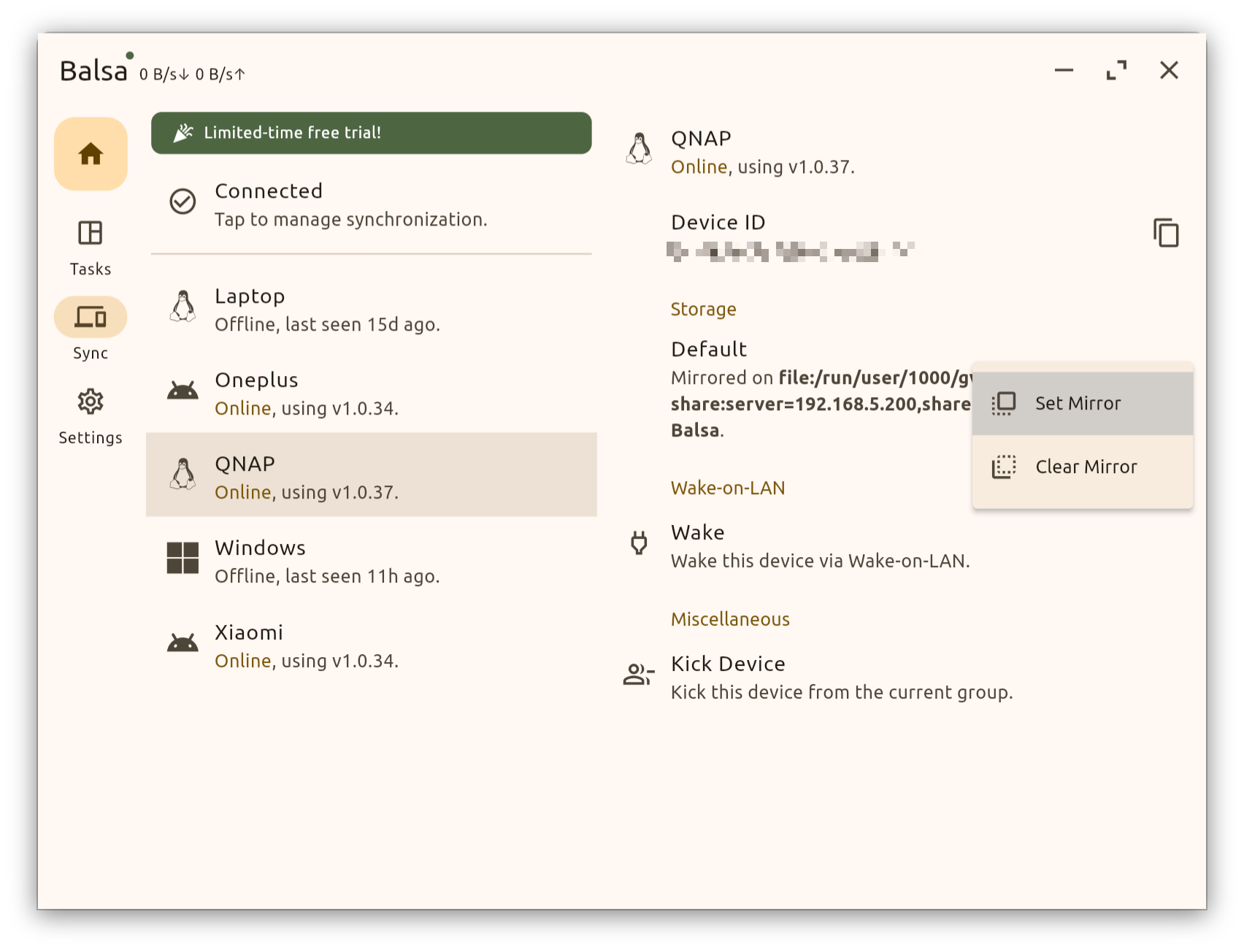
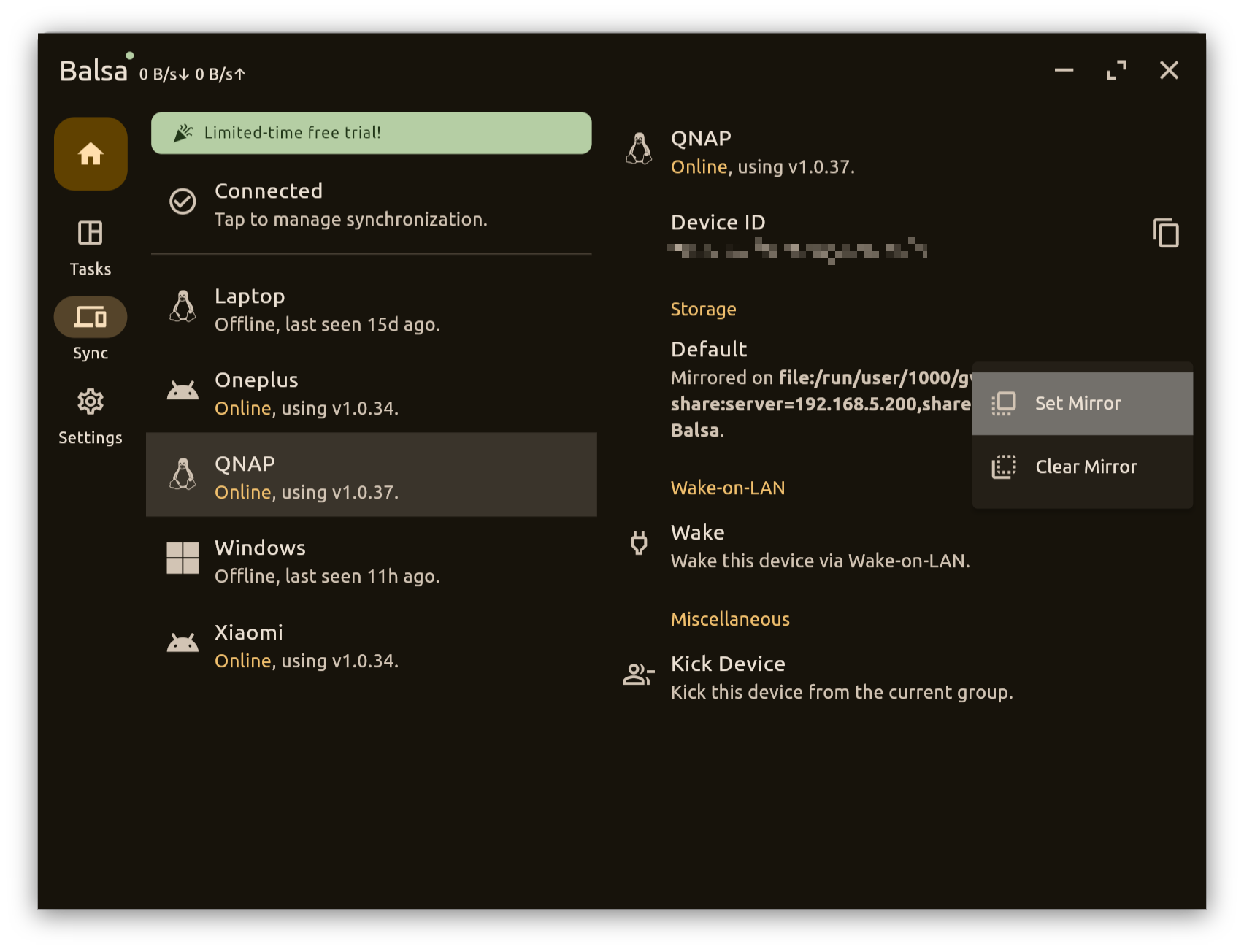
You need to set up directory mirroring via Sync -> Corresponding Device -> Storage -> Corresponding Storage -> Set Mirror. Please select your download directory; the default download directory is your-provided-user-data-directory/downloads (refer to Installation).